部署指南
项目如何查看日志(Vercel、Cloudflare)
写在前面
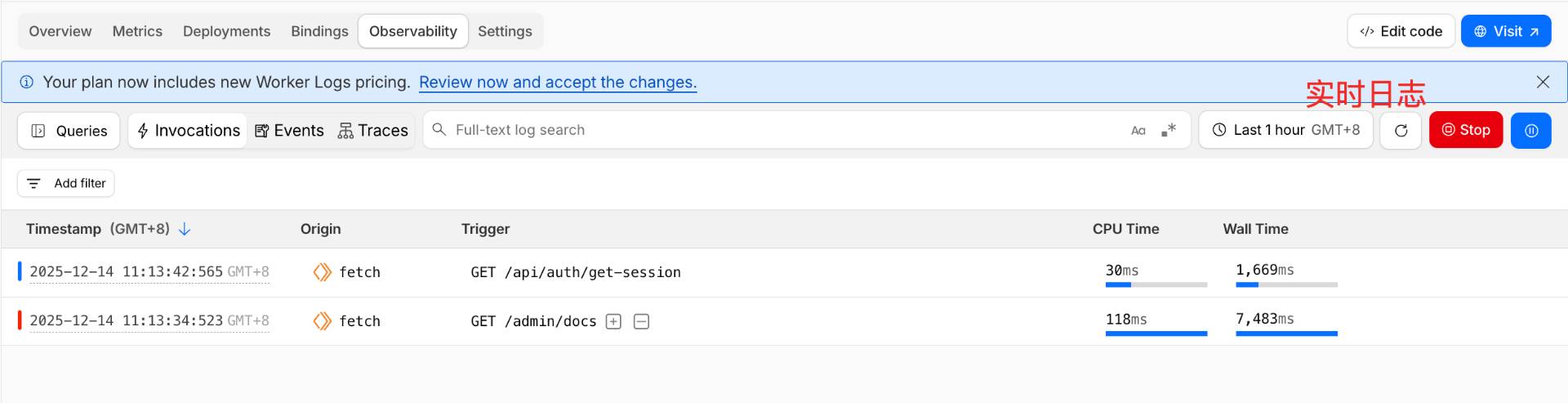
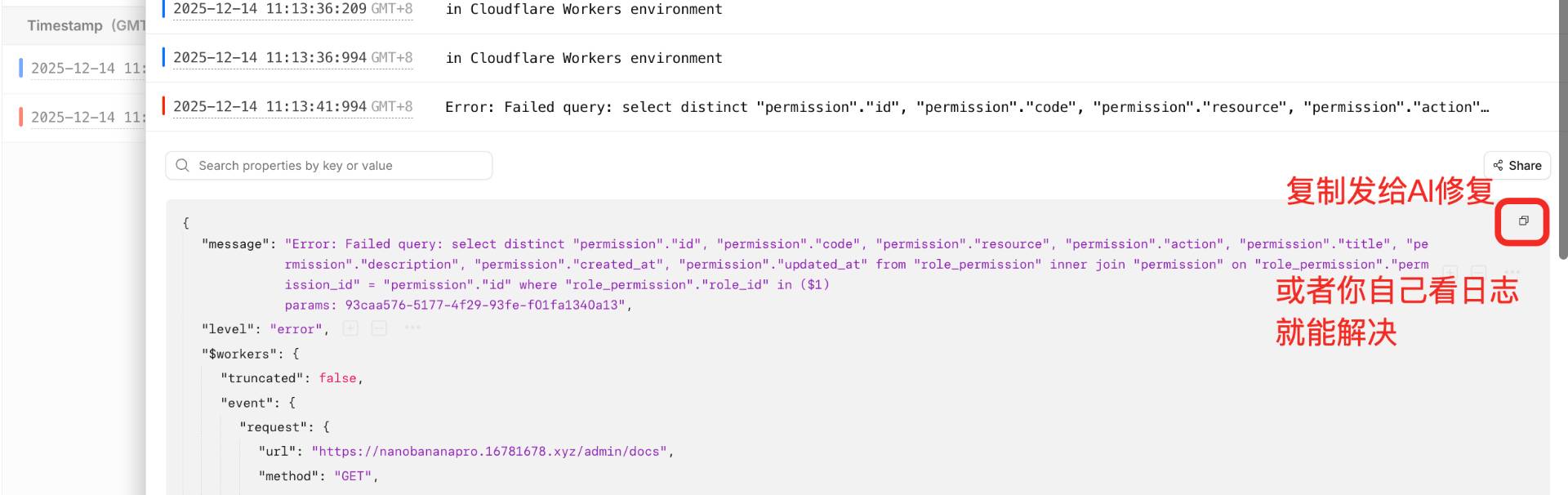
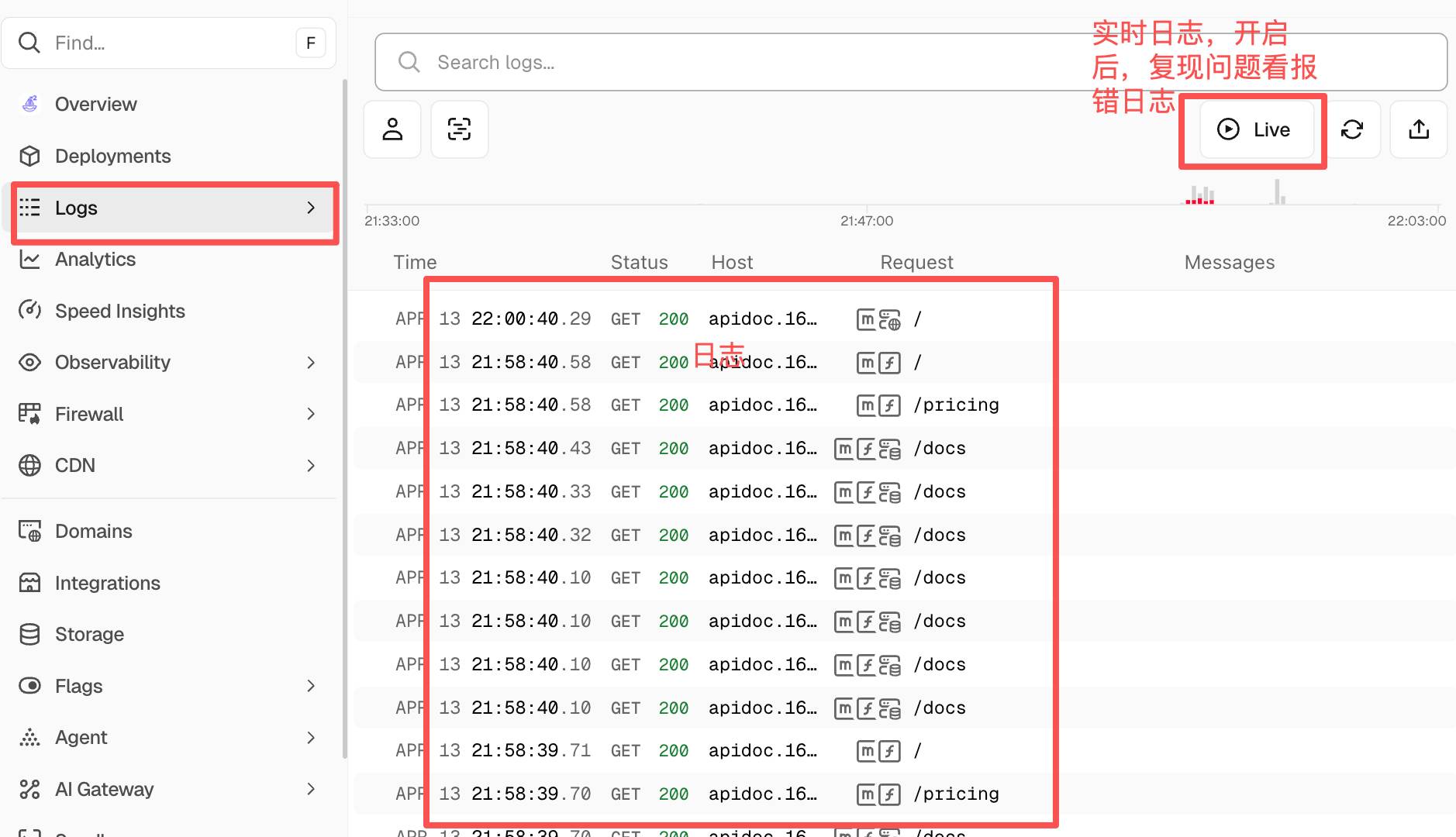
项目部署成功了,但是随着业务的增加,难免会有线上bug,快速查看日志(含实时)可以帮你更快定位问题或者将日志发给AI来解决问题;
Vercel
Cloudflare
项目根目录打开 /wrangler.jsonc
复制下面内容中( // 这里是开启日志的配置)粘贴到你的项目(不要整体复制!!!)
{

	"$schema": "node_modules/wrangler/config-schema.json",

	"main": ".open-next/worker.js",

	"name": "shipany-template",

	"compatibility_date": "2025-12-02",

	"compatibility_flags": ["nodejs_compat", "global_fetch_strictly_public"],

	"assets": {

		"directory": ".open-next/assets",

		"binding": "ASSETS"

	},

	"r2_buckets": [

		// Use R2 incremental cache

		// See https://opennext.js.org/cloudflare/caching

		{

			"binding": "NEXT_INC_CACHE_R2_BUCKET",

			// Create the bucket before deploying

			// You can change the bucket name if you want

			// See https://developers.cloudflare.com/workers/wrangler/commands/#r2-bucket-create

			"bucket_name": "cache"

		}

	],

    // 这里是开启日志的配置

	"observability": {

		"enabled": true,

		"head_sampling_rate": 1,

		"logs": {

			"enabled": true,

			"head_sampling_rate": 1,

			"invocation_logs": true

		}

	}

}
部署
Mac电脑
重新执行 pnpm cf:deploy 部署
Windows电脑
git提交改动,自动触发部署
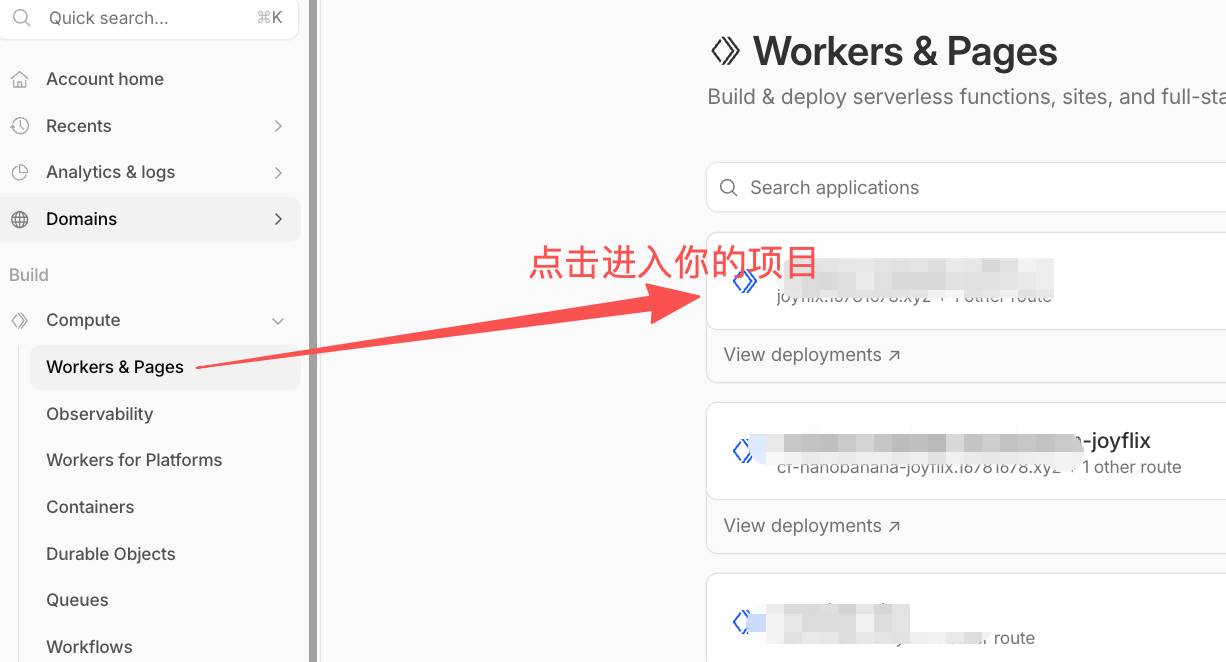
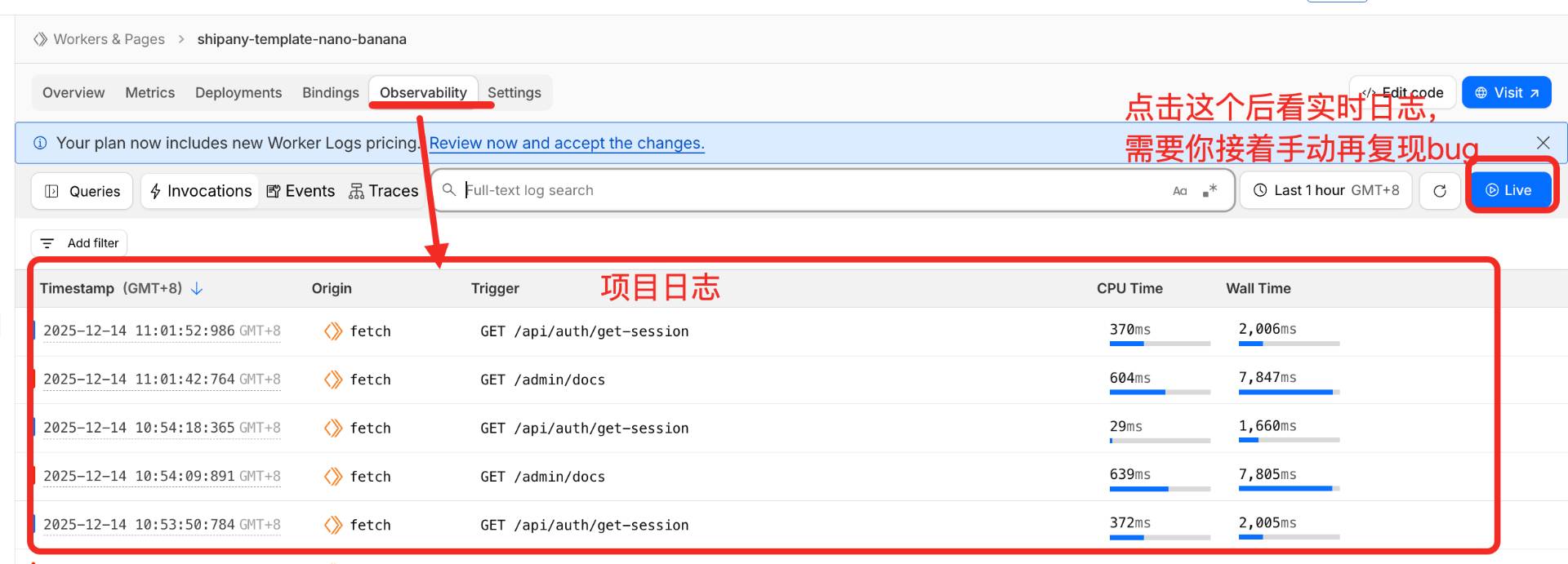
查看日志